How i print my first Braille book
The beginning
Early in 2018, when i started BrailleRAP-SP with Philippe, we had 2 ambitions. Demonstrate how we can make some serious things that make sense in a fablab. And make a device serious enough to print 2 or 3 Braille pages, the idea was to allow small organizations or individuals to build some small documents like restaurants menu, event schedule or everyday stickers for food. Nothing as serious as a whole book.
Our first tests where easy, since the first dots made on a BrailleRAP, every Braille reader said the Braille dots quality was amazing, this what not the case with Braille transcription. My naive approach at the beginning was: ok, it's just an alphabet, just a dot for an 'a', 2 dots for a 'b' and so on. But what about numbers ? i can print some special characters in French like 'é', but what about 'ß' in German or 'ñ' in Spanish ? In fact each country in the world had adopted the Braille notation, but in a different manner because Braille is limited to 63 different characters due to the 6 dots matrix. Something as simple as upper case characters are prefixed by '⠨' in french but '⠠' in English Braille.
After some tests with NatBraille, an open source software dedicated to the Braille transcription in French, i write a kind of driver to be able to use a BrailleRAP with NatBraille. And the BrailleRAP project lived for some years with a not bad, but French only software.
Searching for a good and improved Braille transcription library, i found liblouis an LGPL V3 library written in C. Liblouis offer Braille translation in more than 200 combinations of languages and Braille standard. Liblouis is also the Braille translator of the famous NVDA screen reader a GPL V2 screen reader that allow visually impaired peoples to use a windows computer. After some tests compiling liblouis in web assembly, i decided to write the next software for BrailleRAP, AccessBrailleRAP. AccessBrailleRAP allow you to input some text, translate it in Braille and 'print' it on the connected BrailleRAP. And Liblouis allows you to translate the text in Braille in your language.
Of course, working on a project like BrailleRAP, you have many opportunities to met visually impaired peoples. And, of course, we talk about Braille, Braille usage and availability. The main subjects that came out are always the same, public informations availability, educational supports and ... books.
Ada & Zangemann
Late in December 2025, Nico Rikken contact me on the BrailleRAP website. Nico is volunteering for the Free Software Foundation Europe and maintain the automation of the Ada & Zangemann book translations. Ada & Zangemann is a book available under a free culture license (CC-BY-SA) written by Matthias Kirshner and Sandra Brandstätter. As the book was translated in many languages, Nico was wondering if he can showcase a Braille version at the FOSDEM 2026 in Bruxelles.
After some discussions, we agreed that Nico will format the text to prepare Braille translation. And, as i have some BrailleRAPs in the corner and i was planning to go to the FOSDEM, i will print the book and bring it in Bruxelles for the end of January. We also agreed to print German and English version, as the Braille is not the same in German in English.
Translating the text in Braille is easy, you just have to open the file with AccessBrailleRAP, select the Braille standard, and ... oops, with the original text you get more than 130 pages of Braille from the ~30 pages of the original book. The first reason is that Nico choose to include illustrations's descriptions, and Ada & Zangemann is an illustrated book, so there is more text in the Braille version.
The second reason is because Braille is limited to 63 characters. You need to add some escape sequences for each capital, special character or number. In fact you print more Braille cells than characters in the original text. And by adding some Braille cells, you misplace some page jump, and get some pages with just a few lines of text.
So, Nico process the original text in French, English and German to limit spaces around punctuation, and change some formatting to move pages jump in more appropriate area. The process is not so easy as once the text is translated in Braille, you have to guess where to modify the original text as there is no Braille edition feature in AccessBrailleRAP. Even with a Braille edition feature, you have to read it to understand what you are modifying. For the FOSDEM 2026 i quickly write a naive python script to translate Braille back to ASCII, just to have an idea of the Braille page formatting.
This is the lesson of the exercise, AccessBrailleRAP is a great tool to translate a small document in Braille and have it embossed on paper, you don't even need to know how to read Braille. But for more ambitious projects, we need more features, Braille edition and back translation, with a good user experience when the format of the whole document is important.
Once the formatting job done, Nico also select 3 illustrations we can print and emboss. Embossing all illustrations seam not feasible because we were lacking of time for the FOSDEM. The challenging aspect was also that illustrations contain many details and subtleties, that are hard to render with embossing. So we choose to select a few illustrations for test purpose to get some Braille readers feedback. 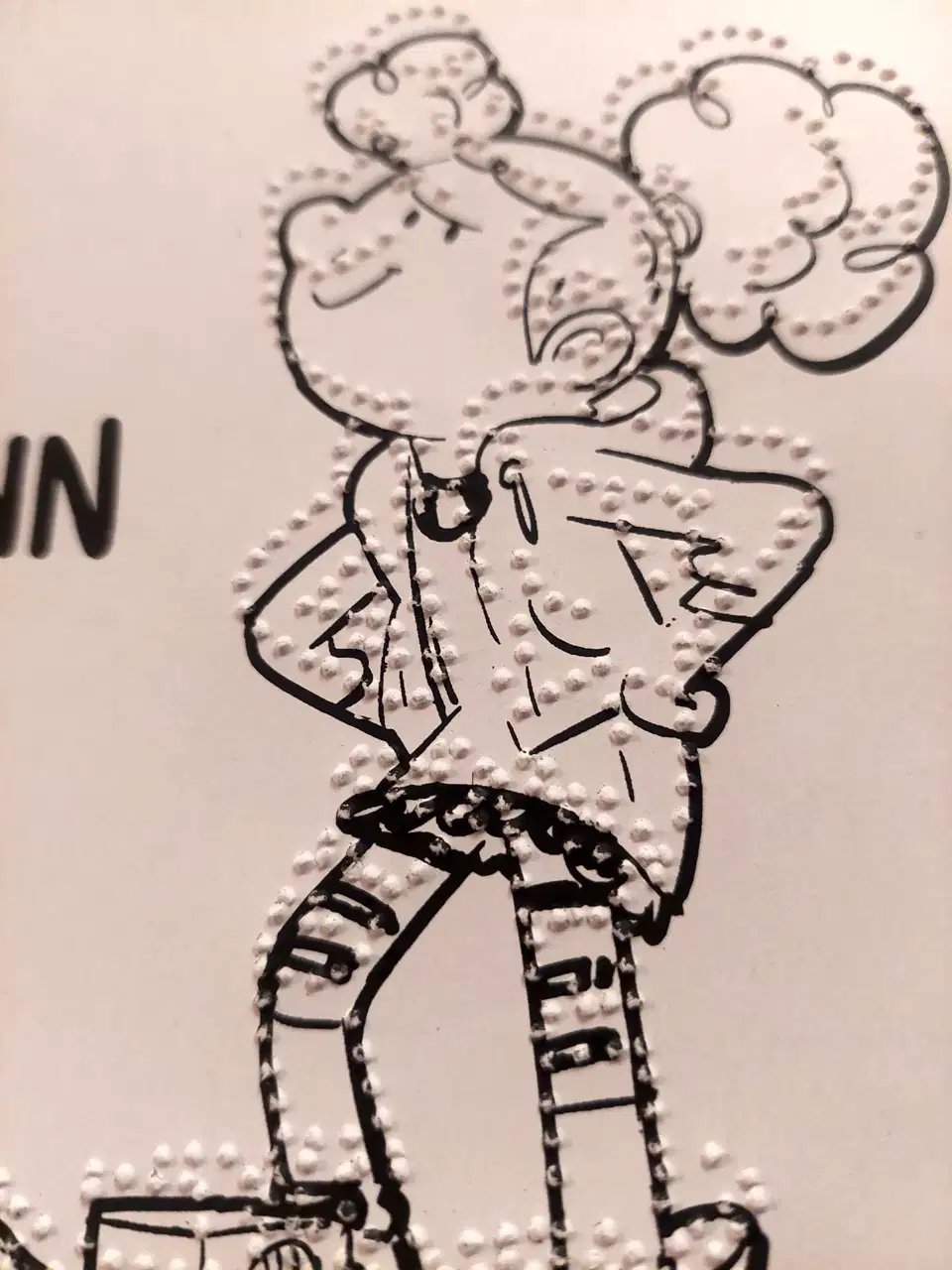
The book
Once the formatting job done, we had 2 versions of the book, one in German and the other in English, 3 illustrations ready for printing on a standard laser printer, and with associated SVG to emboss the same drawing. So i started to emboss the 2 books. Before starting, i imagined it will take at least a week to print the 2 books. Each of them are 100 Braille pages, plus the front cover with an illustration and 2 more illustrations in each book.
And then, i started to emboss the English version in a Saturday morning. There is no page feeder on BrailleRAP, so you need to feed the embosser one by one. Embossing a full page of Braille is about 3 minutes, enough time time to do something else while the BrailleRAP is working. And in the afternoon, i had the first full book embossed ! The next day, i printed the German version. An hundred of 160g Braille pages is not very thick, so i split each book in 3 volumes of near 33 pages. 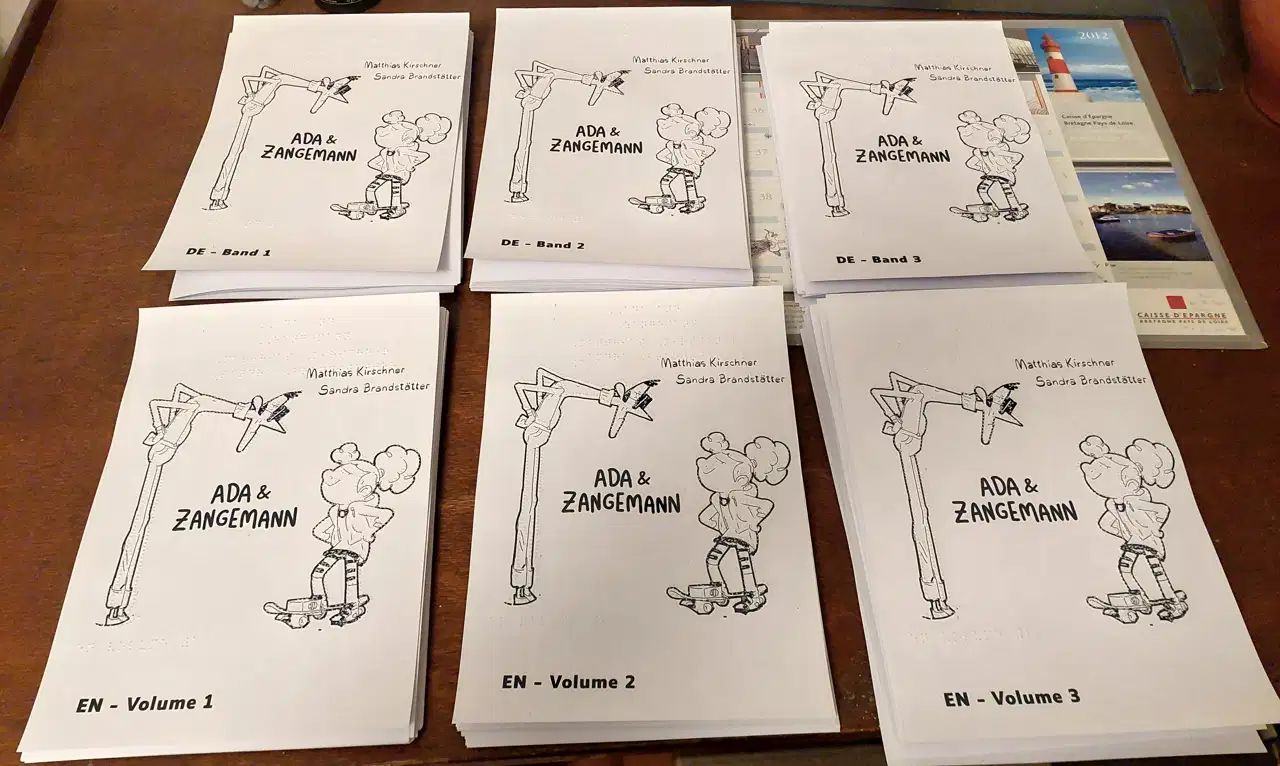
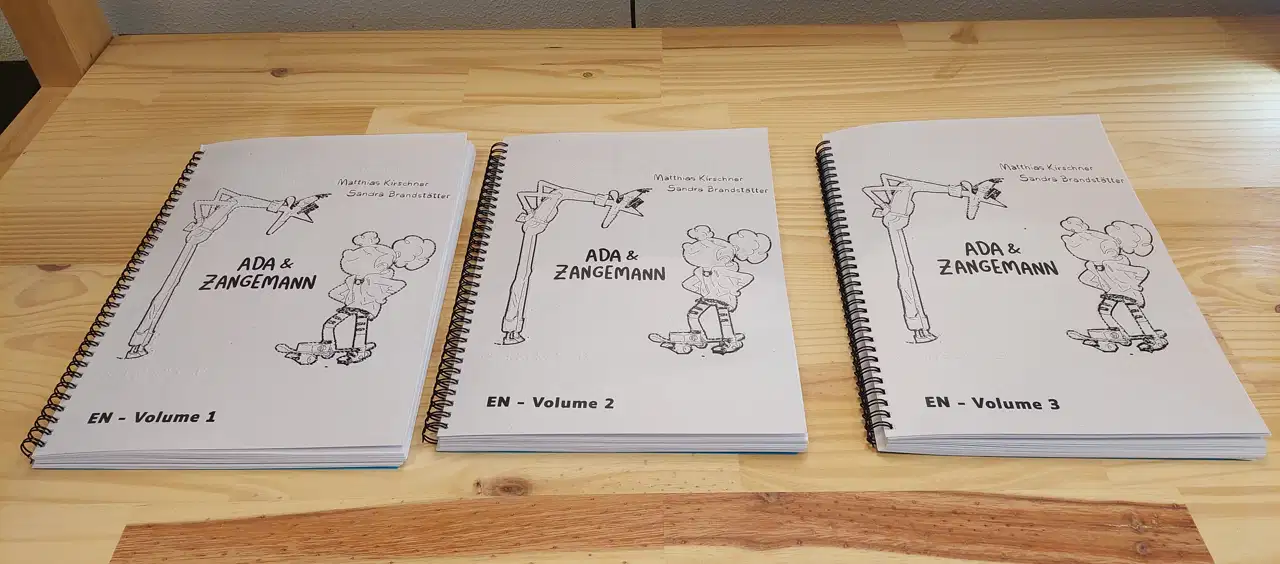
The next challenge was the binding of the books, i quickly search for a DIY solution, but in fine i went to a copy shop and bind each books with spiral bindings.
Once all the books bound, i had a look at the result and find it pretty impressive. In some places, Braille books are so rare that it seam they are more precious than gold. Matthias Kirschner noticed later that it is the first Braille book made with open licence technologies.
if you want more info about the translation process of the Ada & Zangemann book, you can watch the talk of Nico Rikken and Matthias Kirshner at FOSDEM 2026